

Give every shelf an address
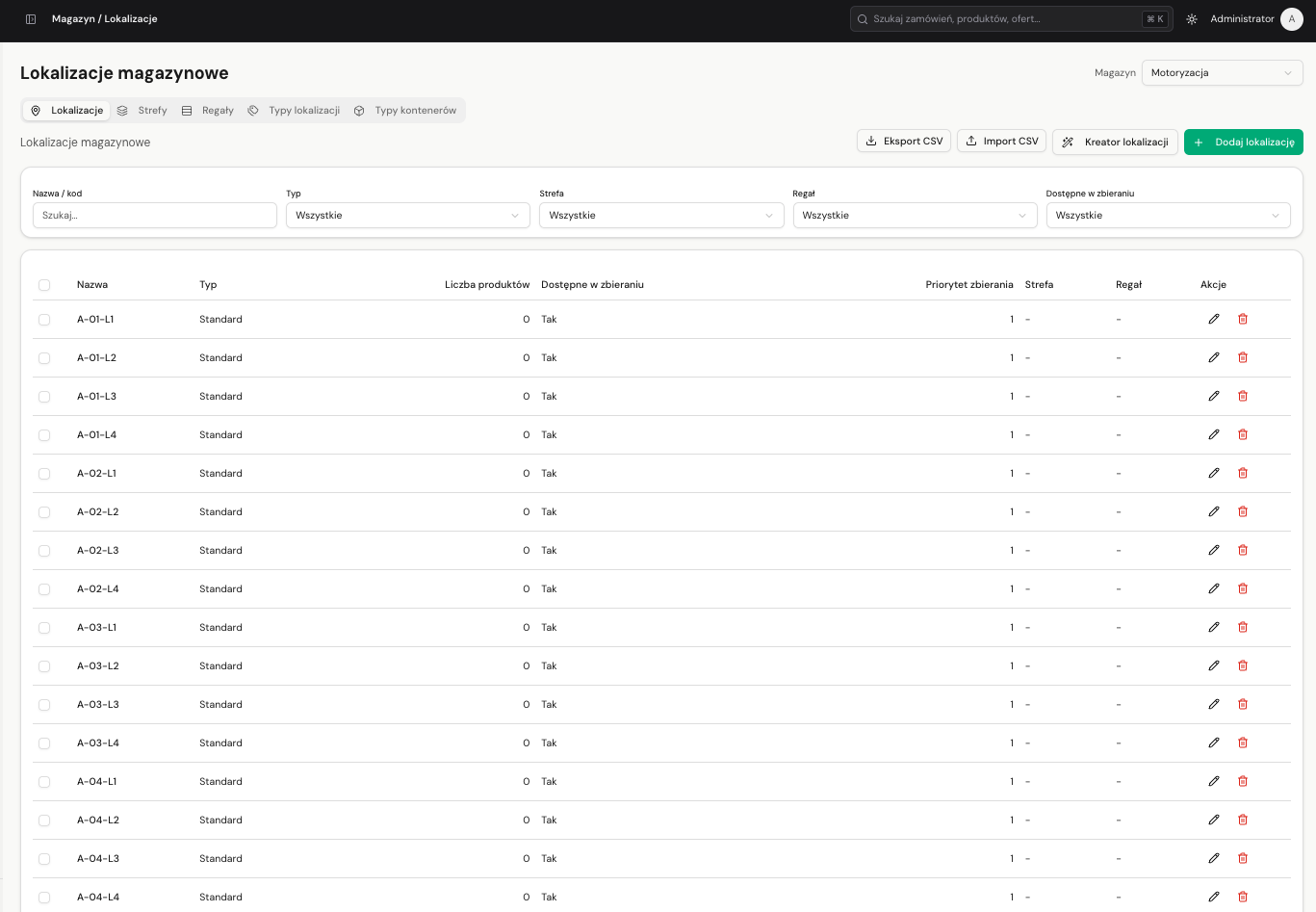
One consistent addressing scheme (e.g. A-02-D-2) across the entire flow of goods. Your operator doesn't search - they walk straight to the shelf. Receipts and issues keep the stock distribution across locations up to date on their own - from a single shelf to the whole warehouse.
14 days free, no credit card required.
Key capabilities
Warehouse structure
Zones, racks, location and container types - all scoped to a specific warehouse.
Bulk generator
Creates hundreds of locations at once from an aisle × column × level grid, with a live preview.
Readable addressing
Codes assembled from structured fields into a single string, e.g. A-02-D-2 - easy to sort and to route a pick.
Scan and search
Type or scan a code during receiving - you land on exactly the right location.
Code128 labels
Print an A4 sheet to cut up, or one large code per page - for label printers.
Bulk operations
Select multiple locations and change their type, zone, rack, priority or pick availability at once.
CSV import and export
On every list - zones, racks, types and locations. Export, fix in Excel, load it back.
Product assignment
A primary location plus backup spots, with a preview of the quantity on each shelf.
What else?
Quantities maintained automatically
Every receipt adds, every issue removes - from the right shelf, following the pick priority. The sum of quantities across locations always matches warehouse stock, with nothing to recalculate by hand.
Receiving guides to the shelf
On every receipt line, point to or scan a location. The “Suggest locations” button proposes a spot based on the item's dimensions and free space - first where the product already sits.
Picking along a route
The worker sees which location to go to and in what order to pick - by priority and primary shelf. Issuing removes units from the right place.
Full movement audit
The movement log shows which shelf a given issue note pulled goods from, and when.
Zero configuration
Warehouses without locations keep working exactly as before - you enable the module where you need it. Find it under: Warehouse → Locations.
Related features
ZYNQ clients
ZYNQ in everyday e‑commerce operations
See how companies of different sizes use one system for sales, inventory, logistics and profitability analysis.
 ZYNQ
ZYNQBIG-MOT
Complete online sales operations
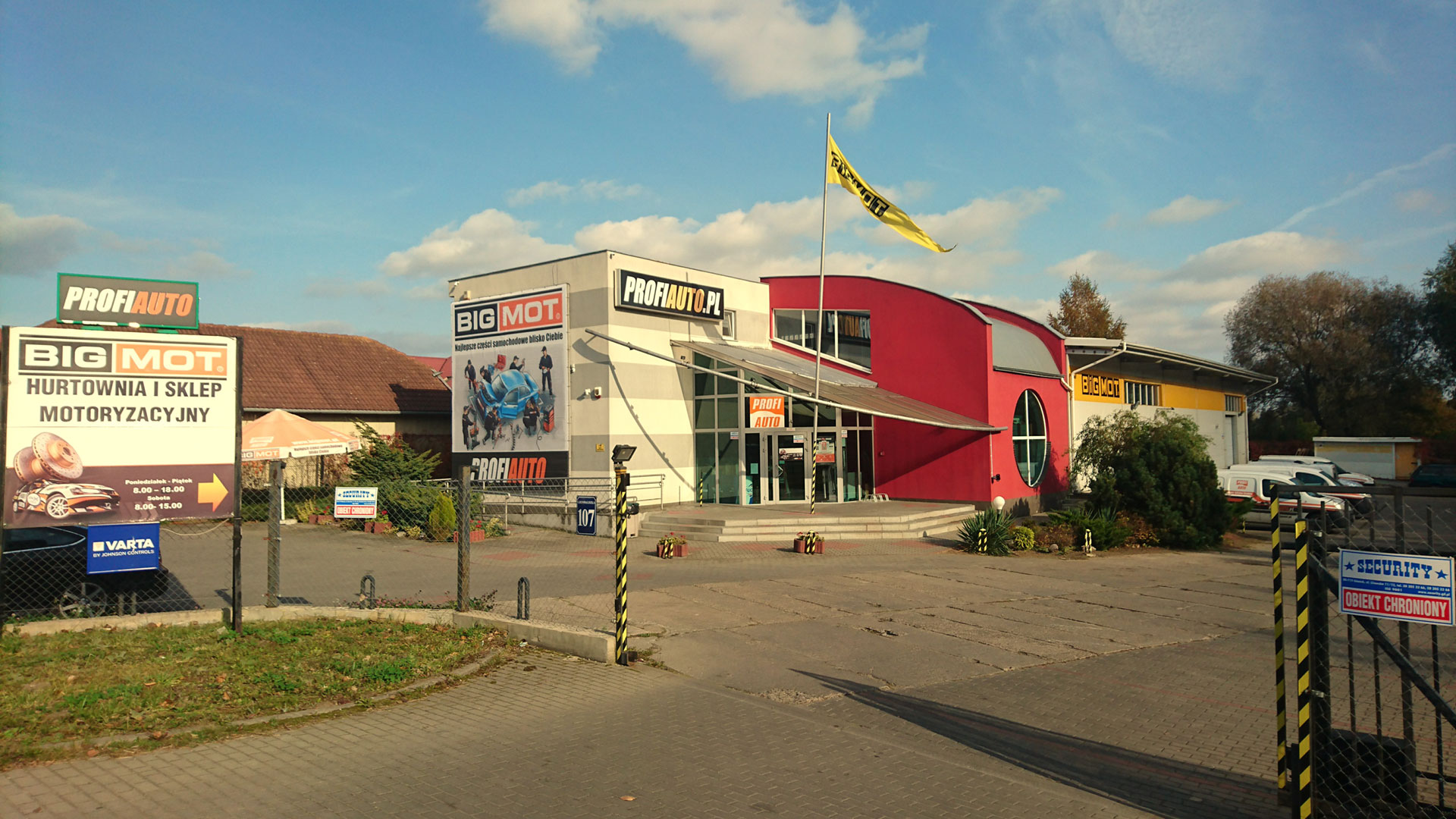
BIG-MOT uses ZYNQ for its online store, B2B catalogue and Polish and international marketplaces. One process connects warehouses, dropshipping, ERP, shipping and customer service.
View case study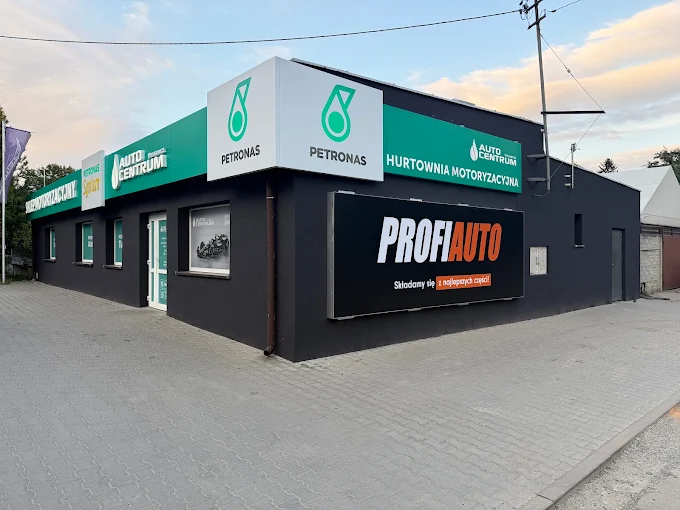 ZYNQ
ZYNQAuto Centrum
23% increase in sales margin
Auto Centrum combined multi-branch sales, warehouses and cost analysis in one system. Full order profitability helped increase the sales margin by 23%.
View case study ZYNQ
ZYNQAkces Dekoracje
E‑commerce distribution operations
Akces uses ZYNQ for B2B relationships, warehouse operations and domestic and international dropshipping. The system supports fast fulfillment, monitoring and partner invoicing.
View case study