

Export orders exactly how you want - without Excel
Build your own export templates in a drag-and-drop builder. Pick columns, add formulas (net/VAT/margin), choose a format (XLSX, CSV, PDF) and send the file manually or automatically to your accountant's FTP.
14 days free, no credit card required.
Screenshot: exports-configurator.png
Add a module screenshot
Key capabilities
Column builder
Drag-and-drop: pull fields from the list into your template. Every column has its own label, format (date, number, currency) and order.
Calculation formulas
Add a column computed on the fly: net amount from gross, VAT amount, margin %, total + shipping, payment status as text. 6 ready-made formula templates or your own (operation tree).
System and custom templates
Ready-made templates for popular accounting formats (wFirma, Subiekt, Optima) - use them with a single click. Save, duplicate and edit your own anytime.
Line items vs orders export
Choose a mode: one order = one row (items merged into a field with a separator) or one order = multiple rows (each item separately). All configured per template.
What else?
Automatic FTP export
Set a schedule (hourly, daily, weekly) - ZYNQ builds the file from your template and sends it to your accountant / wholesaler / any FTP/SFTP server.
Export selected or the whole list
Tick checkboxes → export only the selected ones. Or export the entire visible list with its filters (status, source, dates, customer).
Date, currency, number formats
Configure each field separately: DD.MM.YYYY HH:mm or ISO 8601, 2 or 4 decimal places, decimal separator, currency before or after the value.
Product exports too
The builder works for the product catalog as well - export SKU/EAN/stock/purchase prices in any configuration, e.g. to import into another store.
Invoice export to JPK
Built-in export of the VAT sales register to JPK_V7M XML, compliant with the Ministry of Finance requirements.
Related features
ZYNQ clients
ZYNQ in everyday e‑commerce operations
See how companies of different sizes use one system for sales, inventory, logistics and profitability analysis.
 ZYNQ
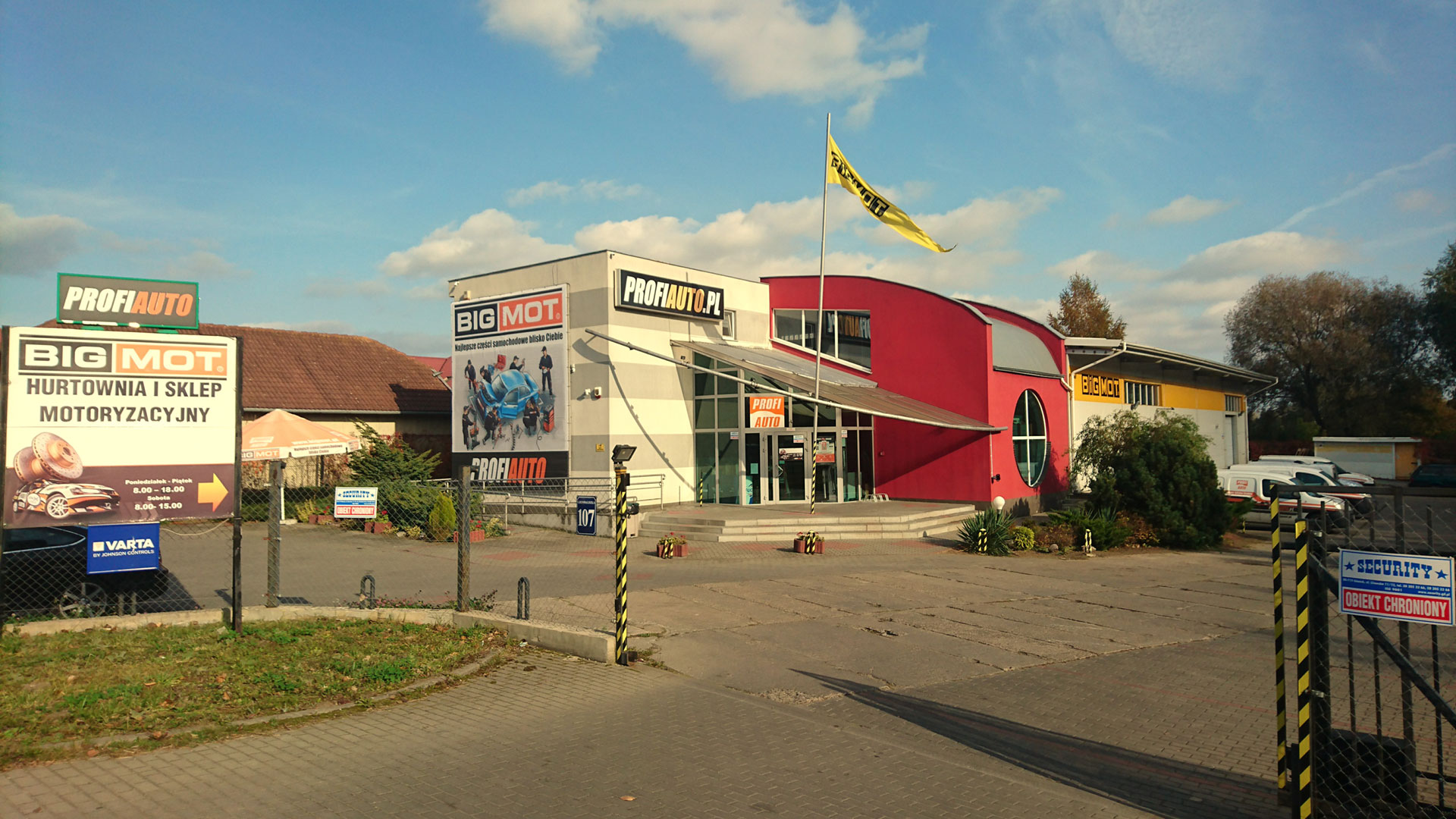
ZYNQBIG-MOT
Complete online sales operations
BIG-MOT uses ZYNQ for its online store, B2B catalogue and Polish and international marketplaces. One process connects warehouses, dropshipping, ERP, shipping and customer service.
View case study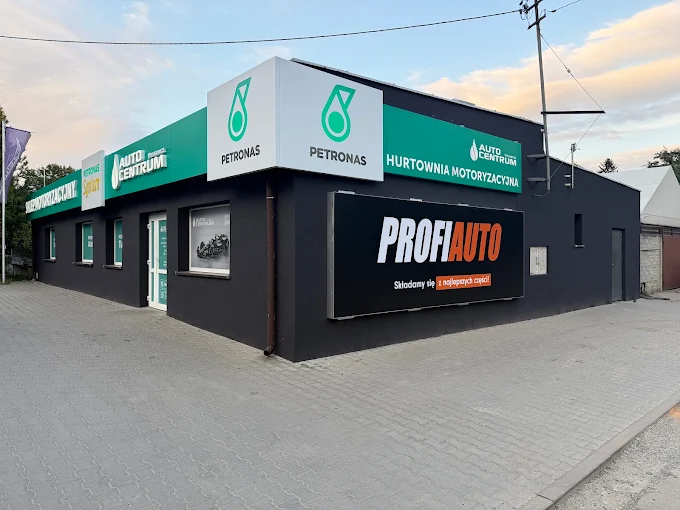 ZYNQ
ZYNQAuto Centrum
23% increase in sales margin
Auto Centrum combined multi-branch sales, warehouses and cost analysis in one system. Full order profitability helped increase the sales margin by 23%.
View case study ZYNQ
ZYNQAkces Dekoracje
E‑commerce distribution operations
Akces uses ZYNQ for B2B relationships, warehouse operations and domestic and international dropshipping. The system supports fast fulfillment, monitoring and partner invoicing.
View case study